
SEE HOW IT WORKS
From project setup to an engineering-ready result.
PaiaRetain brings AASHTO LRFD design workflows, guided inputs, calculation checks, and project records into one focused workspace.
THE CORE WORKFLOW
A calm path through complex design work.
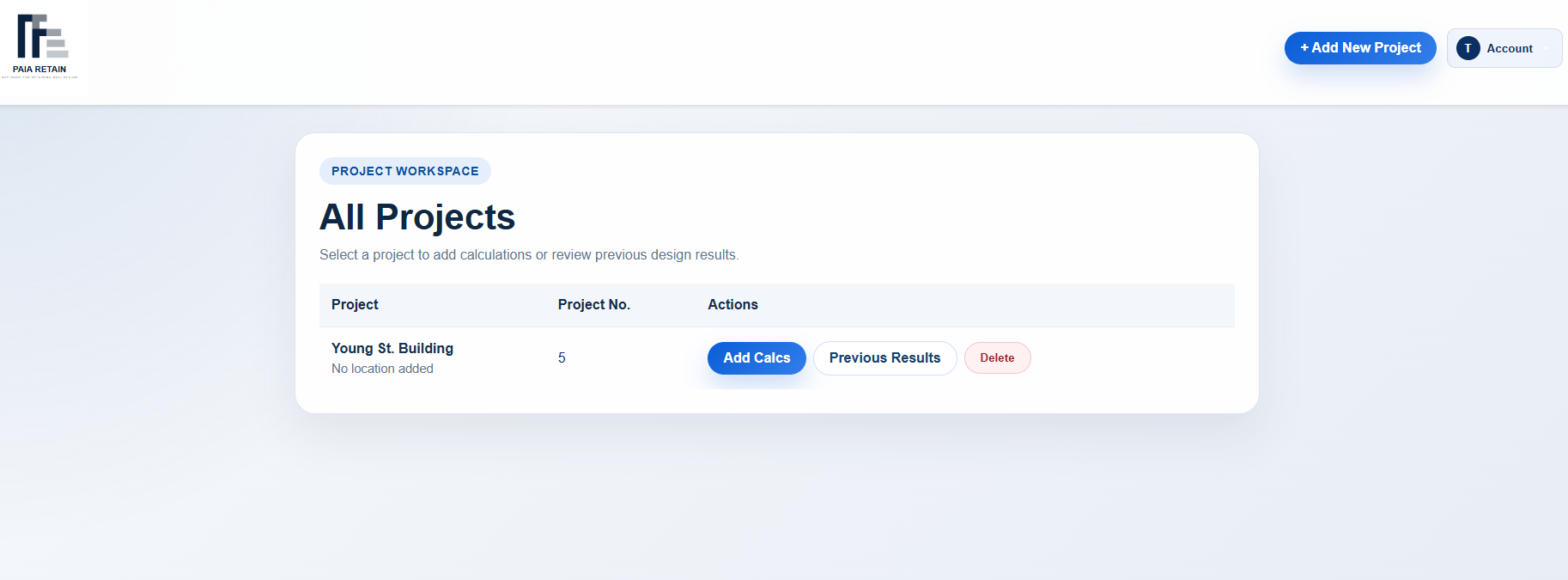
Start with the project context, choose the design module, then move from inputs to checks without losing the thread.
01 · PROJECT WORKSPACE
Keep the work organized from the first click.
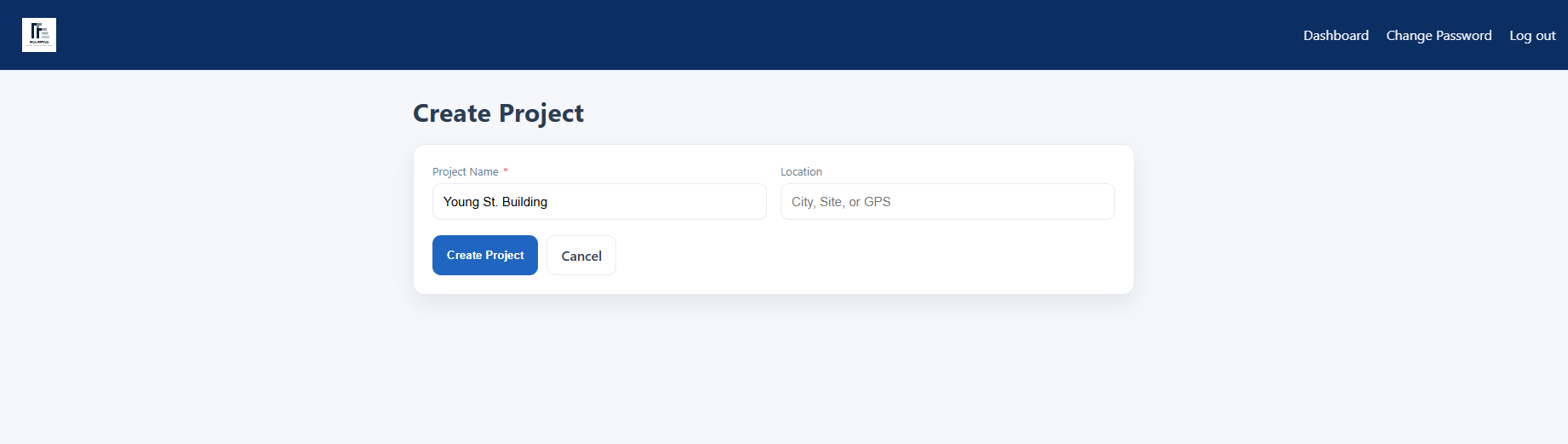
Create a project once, then add the calculations that belong to it. The dashboard makes it easy to return to previous results or continue the next design check.
02 · DESIGN MODULES
Choose the workflow that matches the element.
Each module follows the same dependable pattern: define the design, solve the checks, and review the result.
03 · FLEXURAL DESIGN
Start with the information you have.
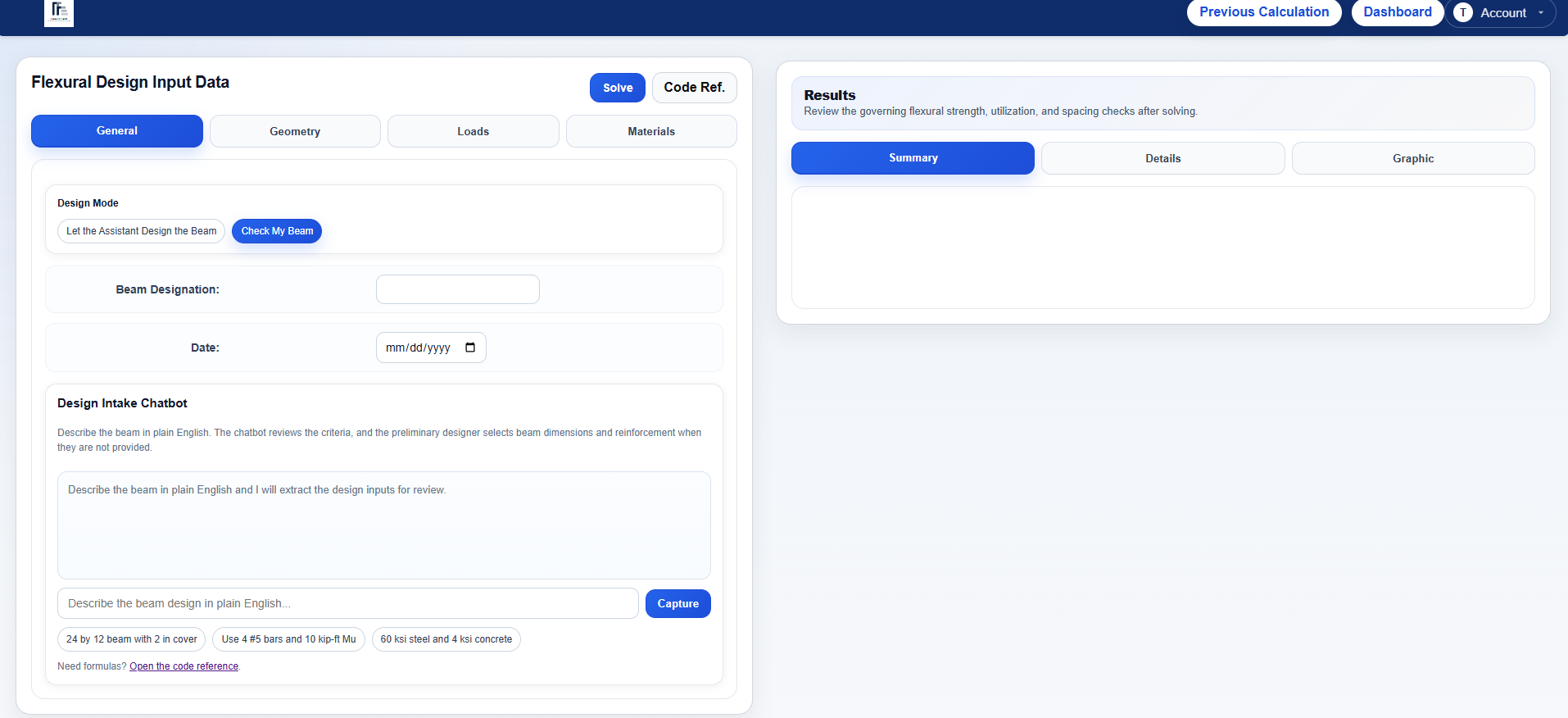
Use structured tabs for general information, geometry, loads, and materials. When a section or reinforcement is not fully defined, describe the beam in plain English and capture the design intake for review.
04 · PRESTRESSED GIRDERS
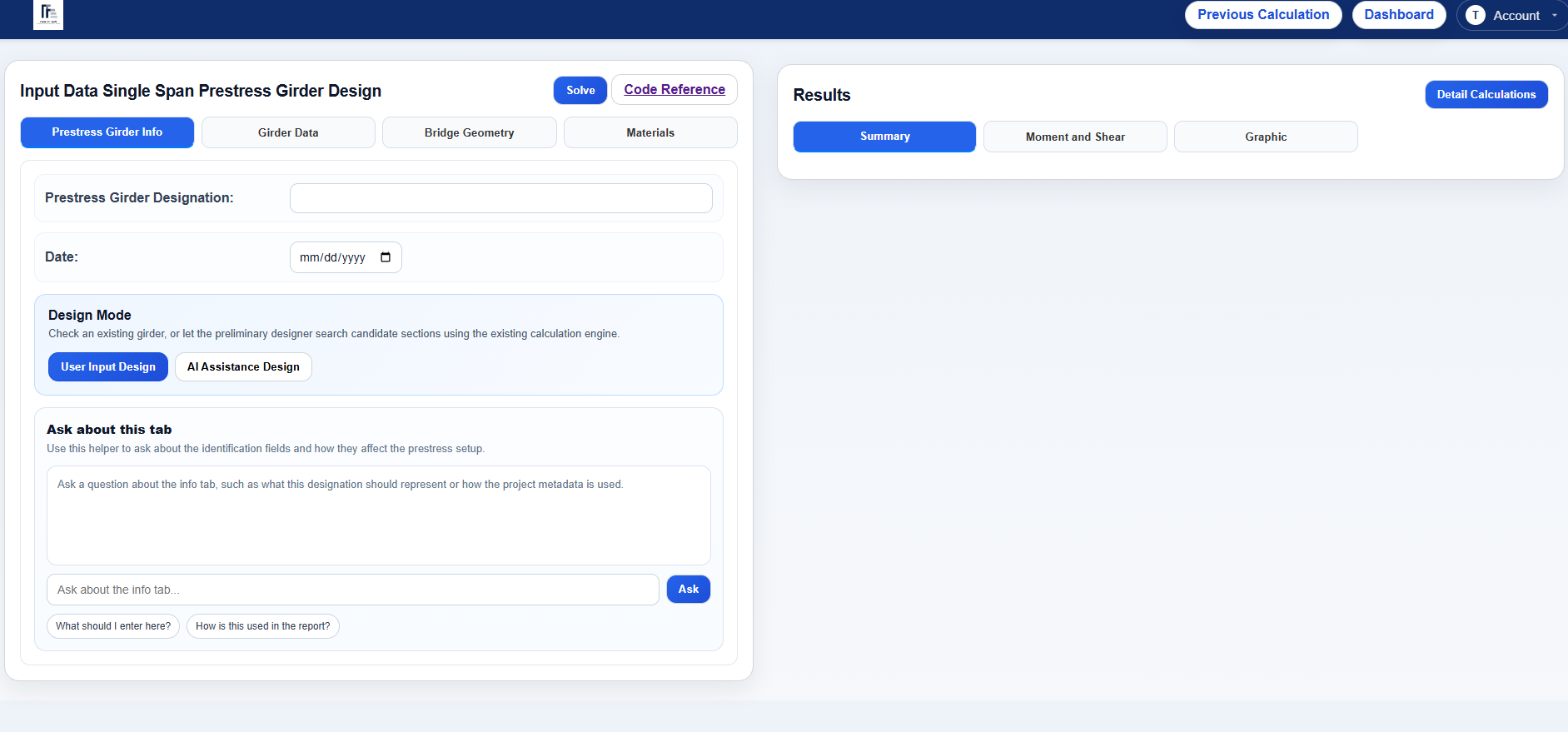
A guided workflow for bridge girder design.
Keep prestress girder information, girder data, bridge geometry, and materials in one place. The results workspace separates the summary from moment and shear views, graphics, and detailed calculations.
05 · RETAINING WALLS
Bring the whole design context together.
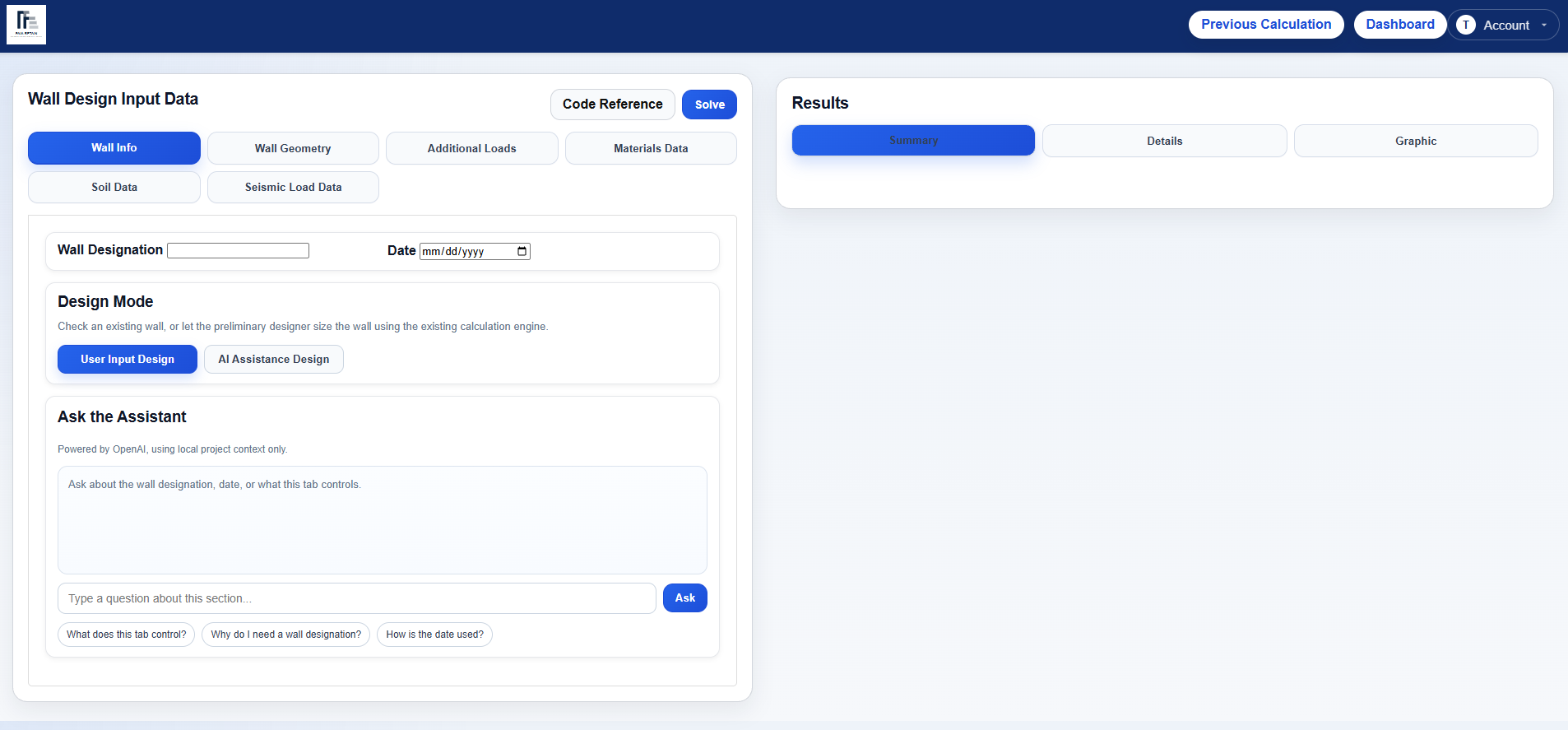
Wall geometry is only one part of a retaining-wall design. PaiaRetain keeps wall information, additional loads, material data, soil data, and seismic load data visible as one connected workflow.
AI assistance helps interpret inputs and explain the workflow. The calculation engine performs the engineering checks from the selected design inputs.
06 · SOLVE AND REVIEW
See the checks that matter.
Results are organized for quick review, with summary values, detailed calculations, graphics, and a printable report when you need a project record.
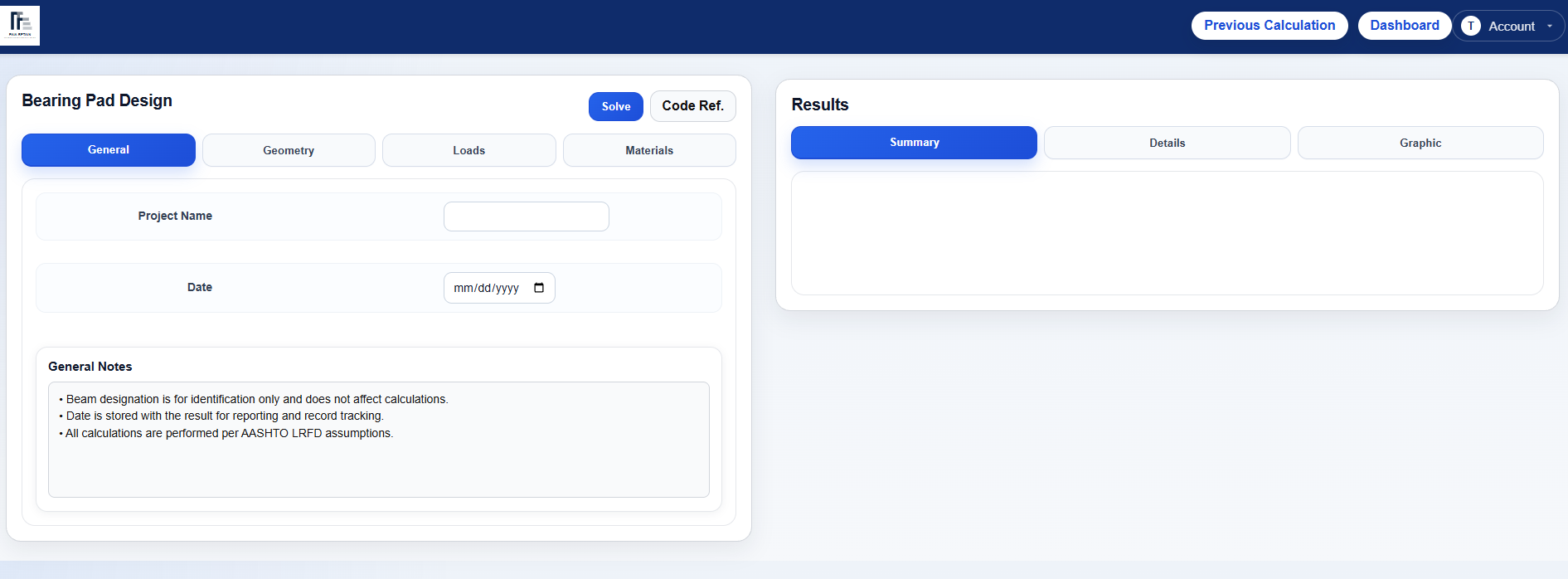
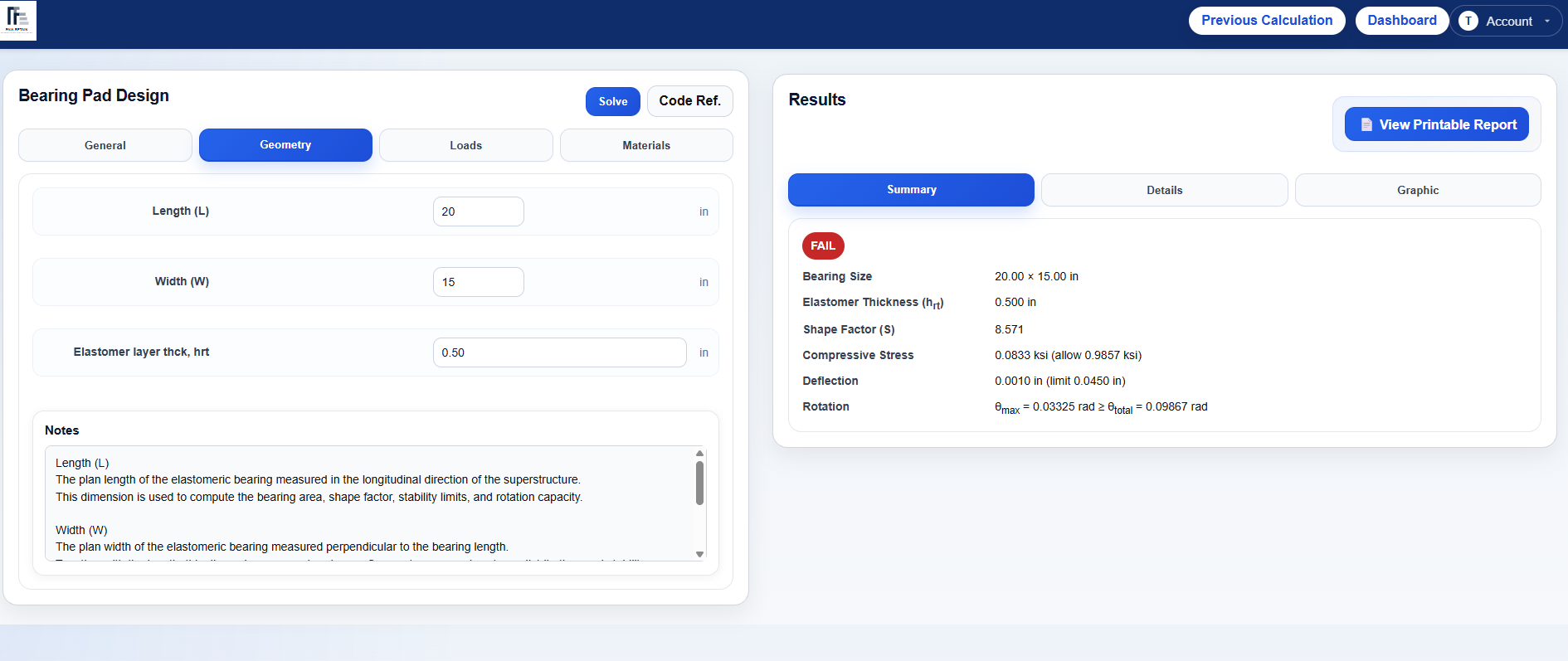
Organized results for design review and project records.
See what controls the result before moving on.
Continue supported drawing work in your CAD workflow.
AI ASSISTANCE
Helpful guidance, with the engineer in control.
Ask about the current tab, describe a design in normal engineering language, or get help understanding an input. PaiaRetain keeps the assistant grounded in the project context and leaves final review with the engineer.
READY WHEN YOU ARE
Make your next design review easier to follow.
Start with a project, add a calculation, and see the workflow in your own design context.
Start 7-day trial →Already have an account? Log in